iPhones?
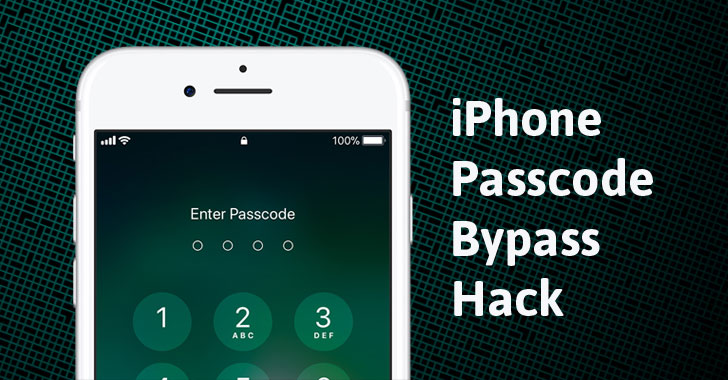
Jose Rodriguez, an iPhone enthusiast, has discovered a passcode
bypass vulnerability in Apple’s new iOS version 12 that potentially
allows an attacker to access photos and contacts, including phone
numbers and emails, on a locked iPhone XS and other recent iPhone
models.
Rodriguez, who also discovered iPhone lock screen hacks in the
past, has posted two videos (in Spanish) on his YouTube channel
under the account name Videosdebarraquito demonstrating a
complicated 37-step iPhone passcode bypass process.
The iPhone authorization screen bypass flaw works on the latest
iPhones, including the iPhone XS, running Apple’s latest iOS 12
beta and iOS 12 operating systems.
Video Demonstrations: Here’s How to Bypass iPhone Passcode
As you can watch in the video demonstrations, the iPhone hack works
provided the attacker has physical access to the targeted iPhone
that has Siri enabled and Face ID either disabled or physically
covered. Once these requirements are satisfied, the attacker can
begin the complicated 37-step iPhone passcode bypass process by
tricking Siri and iOS accessibility feature called VoiceOver to
sidestep the iPhone’s passcode.
Soon after Rodriguez released his videos, a tech channel on
YouTube under the handle EverythingApplePro published a video in
English explaining the same passcode bypass hack on iPhone
XS.
This iPhone passcode bypass method potentially allows the attacker
to access the contacts stored in the iPhone, including phone
numbers and email addresses, and to access Camera Roll and other
photo folders, by selecting a contact to edit and change its image.
Though Apple has some built-in security measures to prevent this
from happening, Rodriguez found a way to bypass those security
barriers, as you can see in the video.
Here’s how to Fix the iPhone Passcode Bypass Bug
The passcode bypass methods work on all iPhones including the
latest iPhone XS lineup, but the company does not appear to have
patched the vulnerabilities in the latest iOS 12.1 beta.
Until Apple comes up with a fix, you can temporarily fix the issue
by just disabling Siri from the lockscreen. Here’s how to disable
Siri:
- Go to the Settings → Face ID & Passcode (Touch ID & Passcode on
iPhones with Touch ID) and Disable Siri toggle under “Allow access
when locked.”
Of course, disabling Siri would cripple your iOS 12 experience, but
would prevent attackers from abusing the feature and breaking into
your iPhone.
Meanwhile, just wait for Apple to issue a software update to
address the issue as soon as possible.
iPhone passcode bypass hack has become common over the last few
years and appears almost after every iOS release. An iOS 9.3.1 passcode
bypass[1] was found last year,
allowing an attacker to bypass Siri to search Twitter and gain
access to locked iPhone’s photos and contacts.
References
- ^
iOS 9.3.1 passcode bypass
(thehackernews.com)
Read more http://feedproxy.google.com/~r/TheHackersNews/~3/-2YS29ClVM4/iphone-passcode-bypass-hack.html